Video Meeting
A Self-Hosted Video Meetings Stack with Waiting Room, Chat, Recording and Transcripts
Teams ran their whole operation on Bassline, then left it to have meetings outside of their control. The main concern was data sovereignty. Third-party meeting apps were collecting user data, and transcripts were exposed.
Problem
How can we keep conversations, recordings and transcripts private from third parties?
Outcome
Meetings built into the product, running entirely on the client’s own servers.
Role
Product Designer &
Developer
Timeline
3 Months
Why we couldn’tuse other video call apps
With recent developments in AI and the fast spread of AI products, user data is more vulnerable than ever before. Since users have conversations about their businesses and get transcripts of their meetings, they are more concerned about the data privacy of their business.
Every frame, every recording and every transcript had to stay on the client’s own infrastructure, and transcription couldn’t go near a hosted AI service.
The solution:open-source infrastructure for video, recordings and transcripts
I looked into the open-source solutions available for a video call feature. I found a few different open-source repositories on GitHub.
I looked at simple-peer and raw WebRTC first. The simple-peer library hadn’t been touched since 2022. Raw WebRTC meant writing my own signalling and giving up on recording entirely.
LiveKit gave me one codebase for one-to-one and group calls, on a server I could run myself.
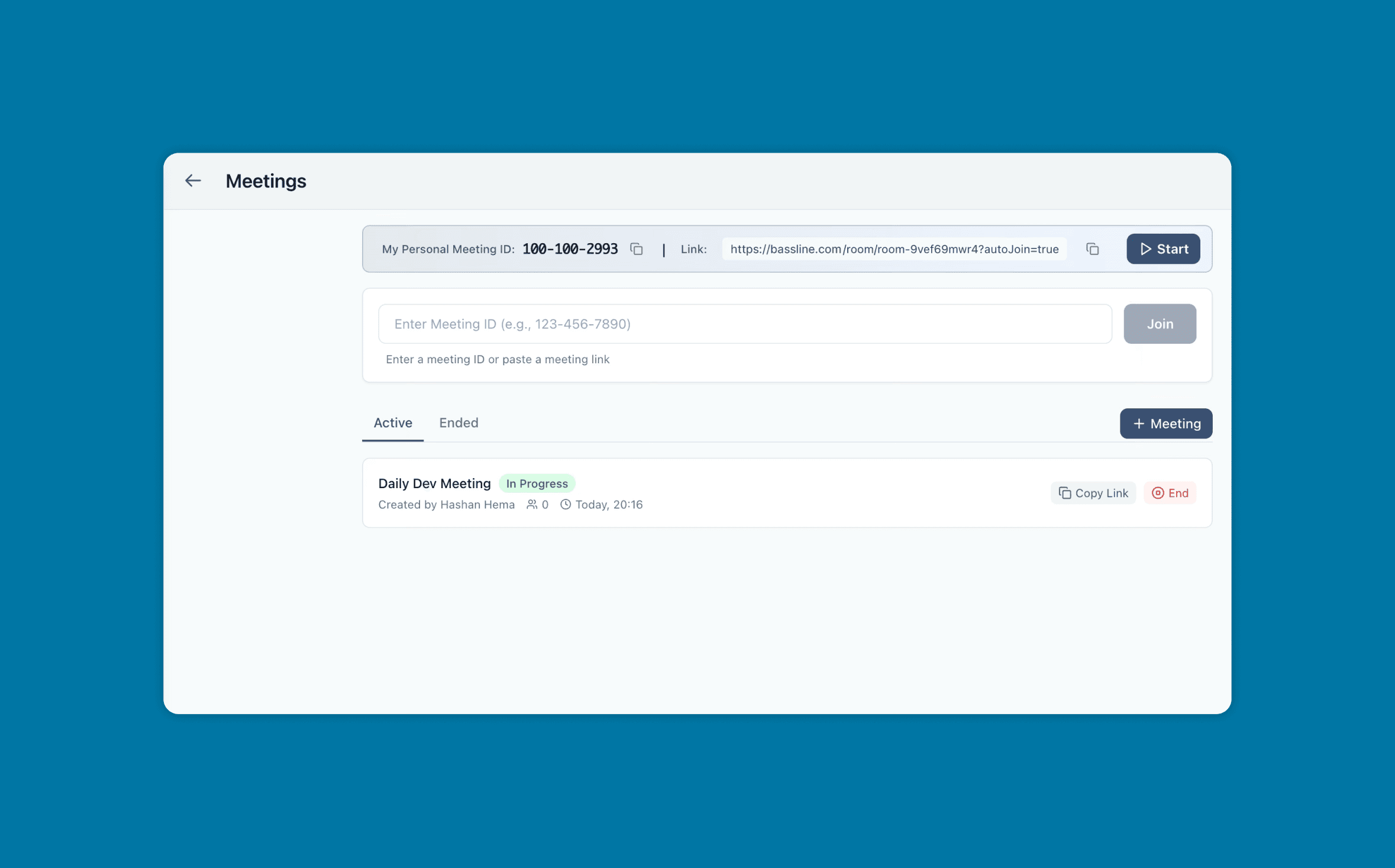
Every user getsa fixed meeting ID
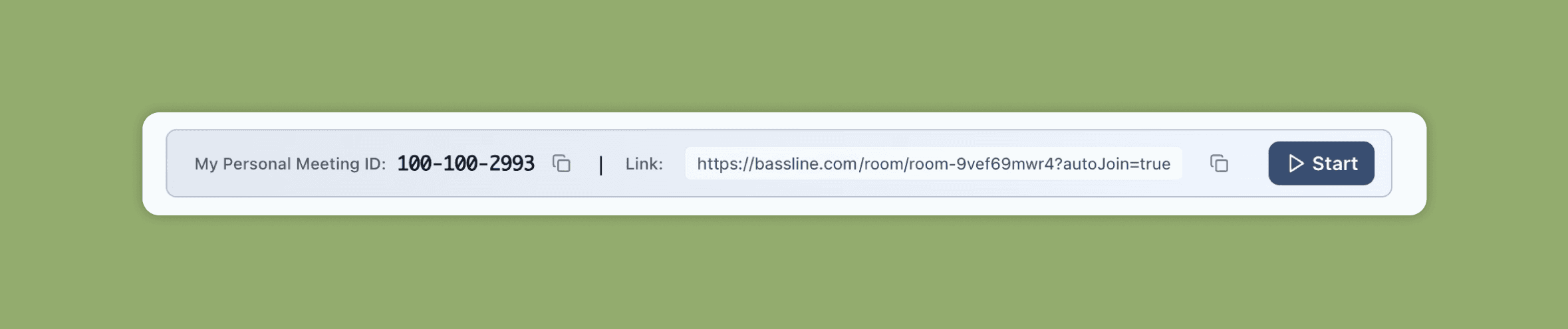
Every user gets one meeting room and a ten-digit ID, formatted 123-456-7890. Paste the host’s ID or the whole URL into the join box — both in the same place.
Users can quick-start a meeting with the “Start” button. The “Active” and “Ended” meeting lists are shown below.
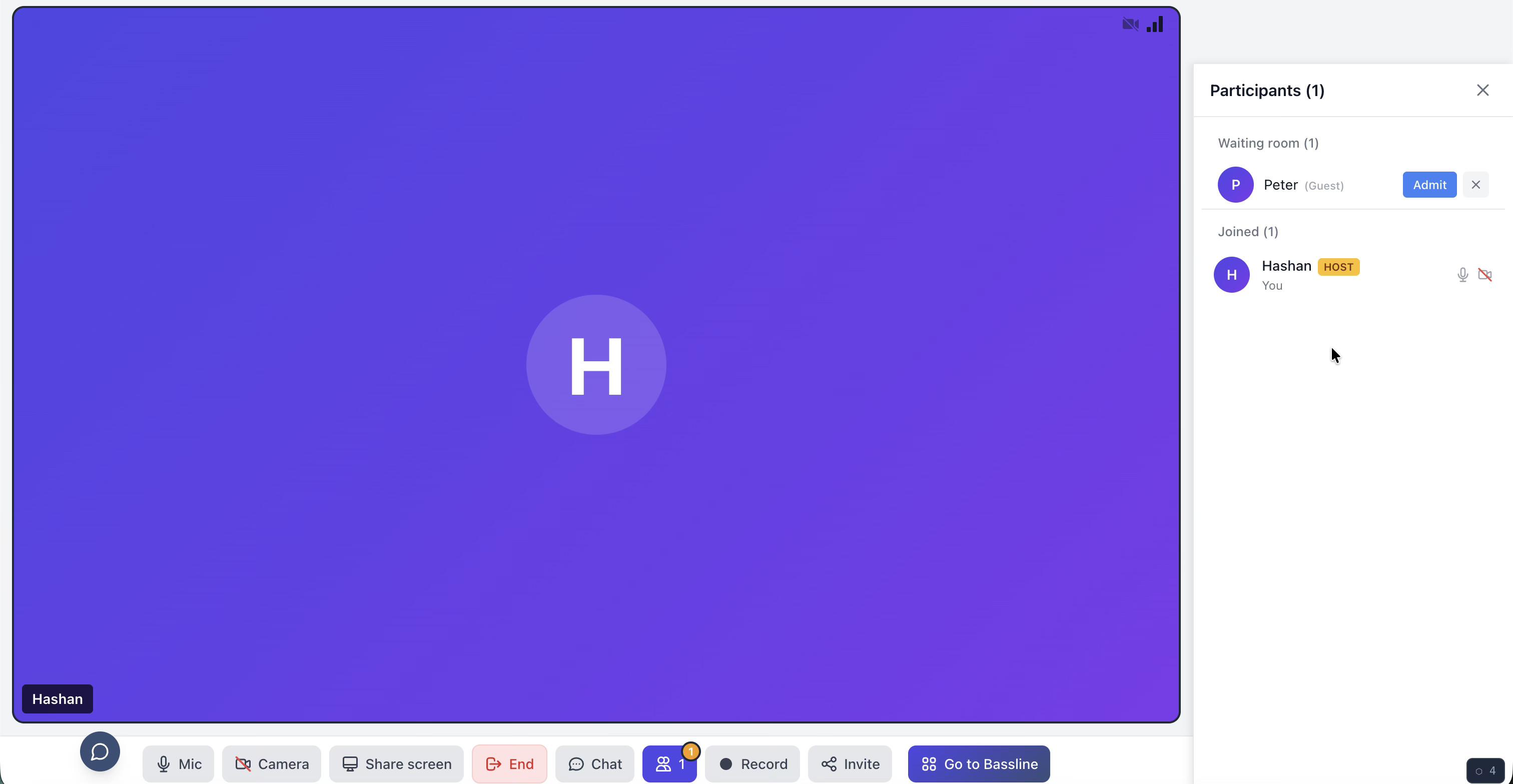
Waiting room andnotification for the host
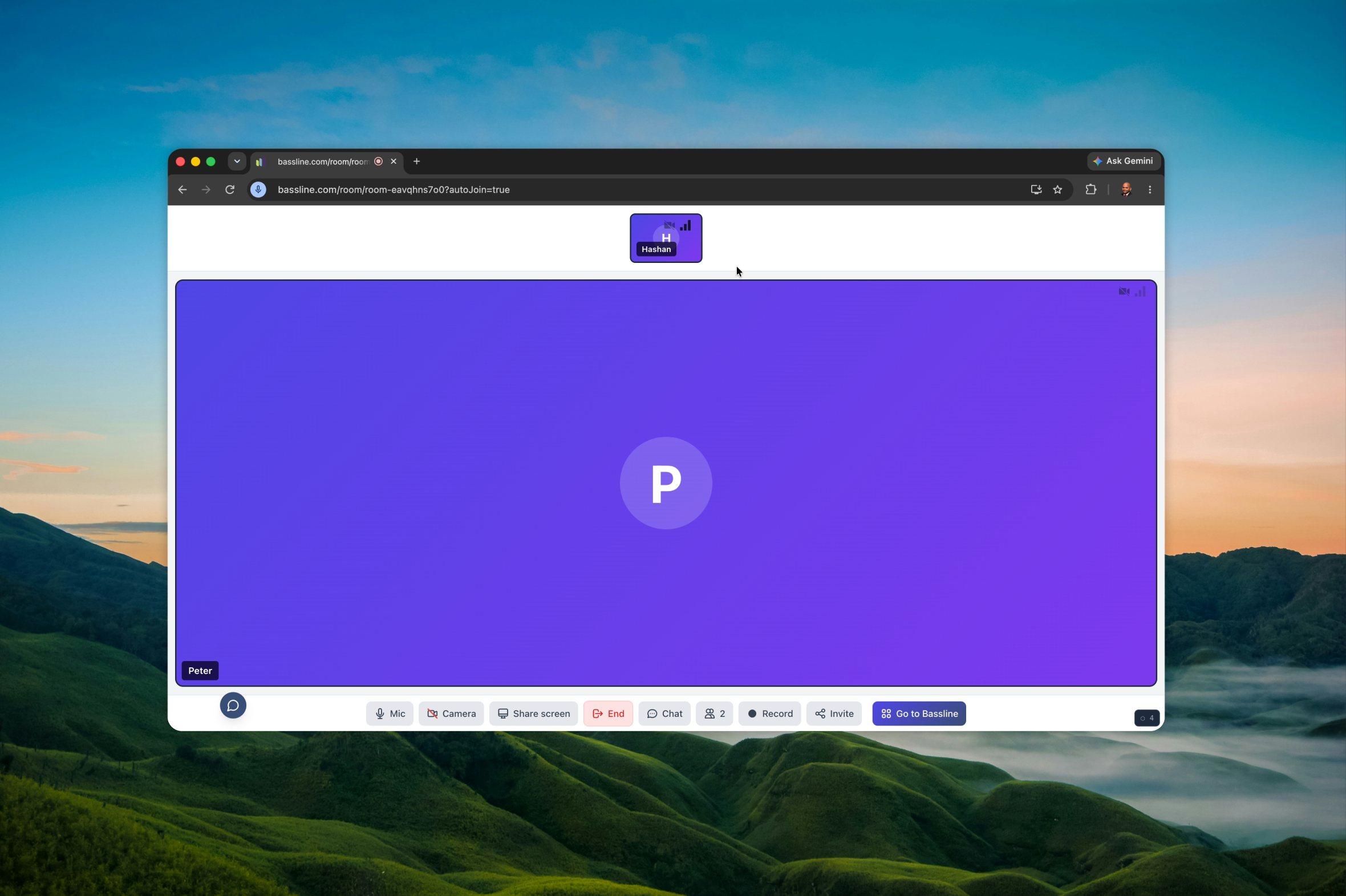
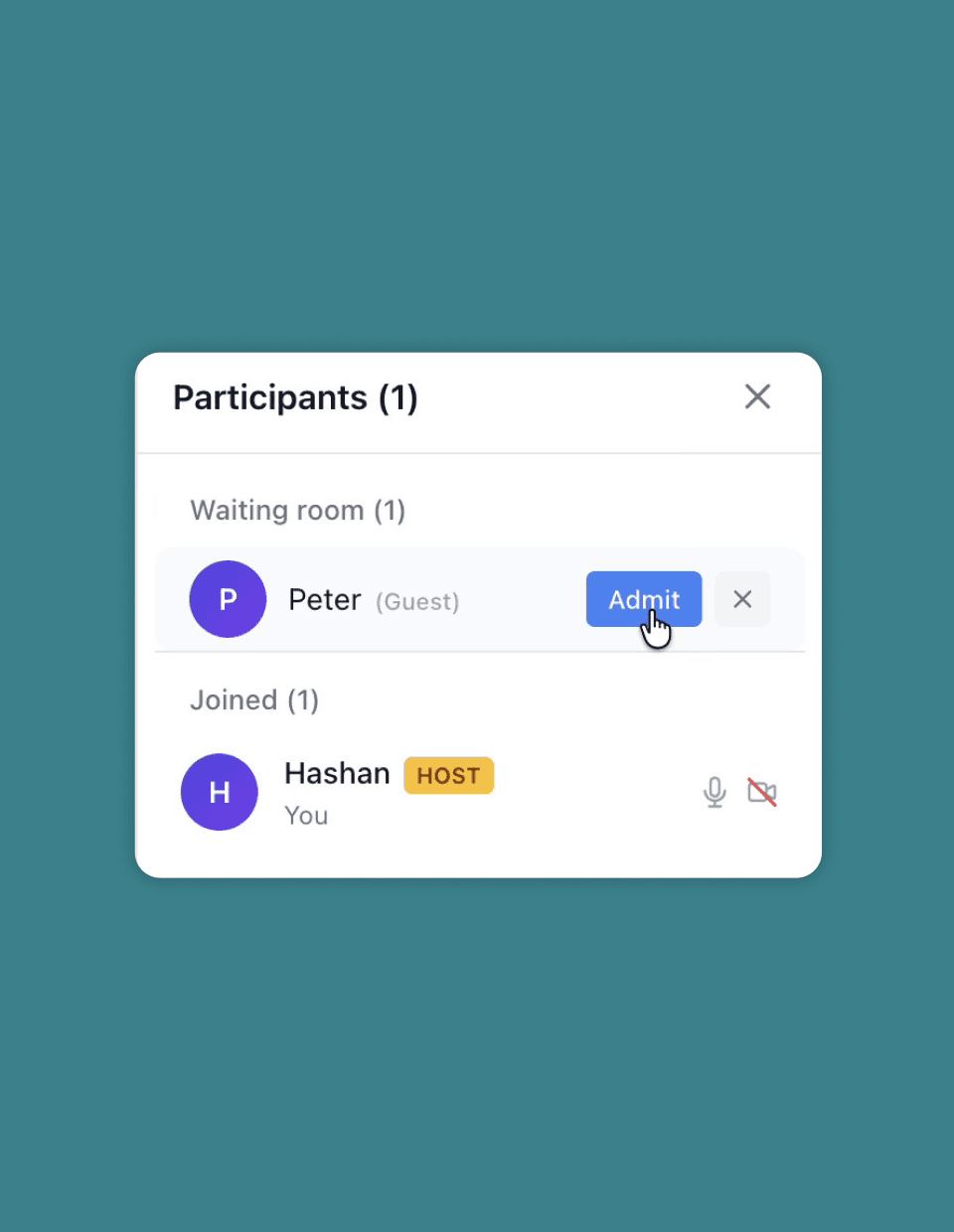
When a participant requests to join the meeting, the host gets a notification about the waiting room, and participants are updated with the request status.
Participants will be in the waiting room until the host admits them. As soon as the host admits them, they will be notified that they are being connected.


Schedule meetingsand place ’em on the calendar
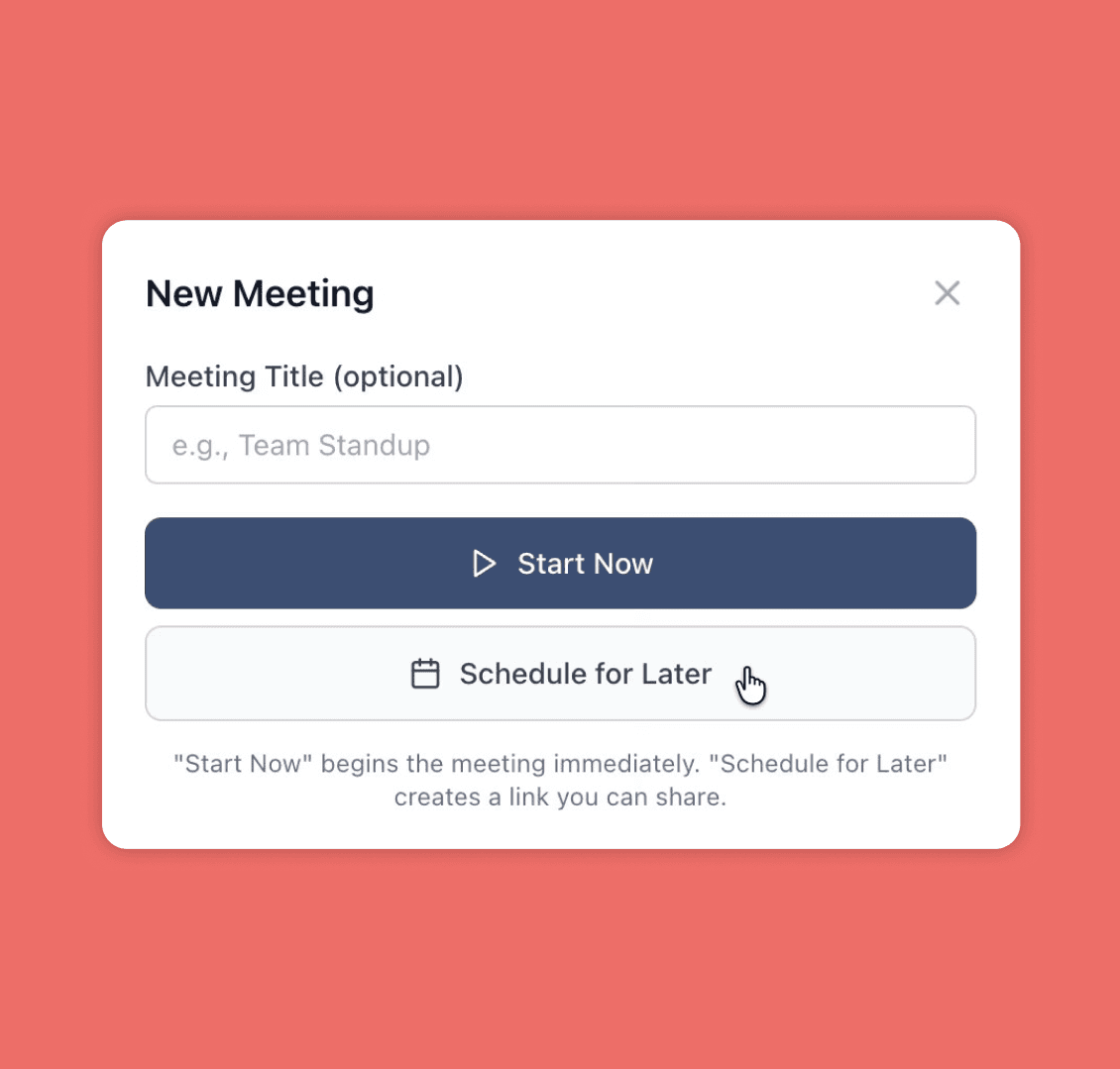
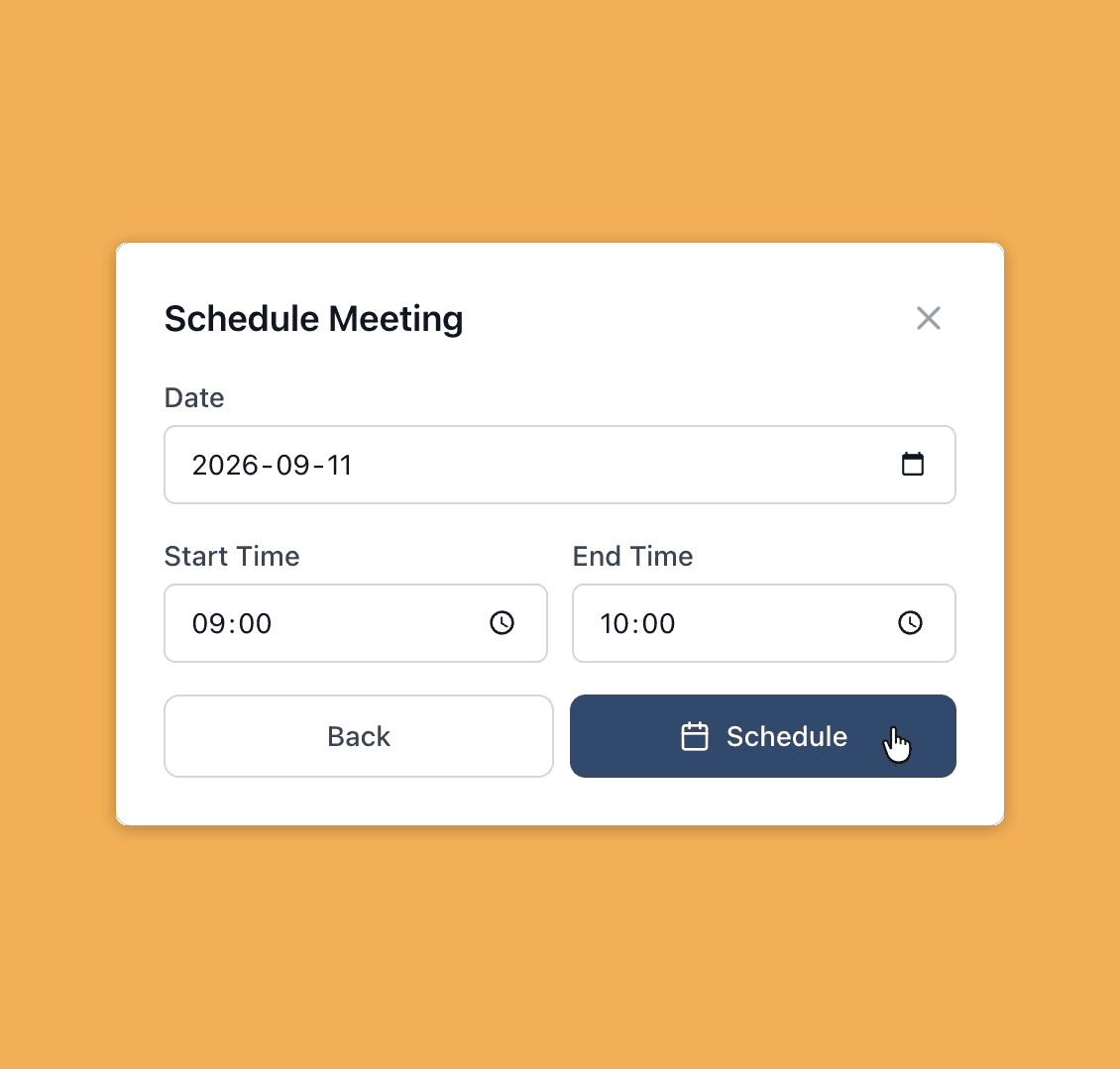
Users can schedule meetings for later and save them in the inbuilt calendar.
Host can’t leaveby accident
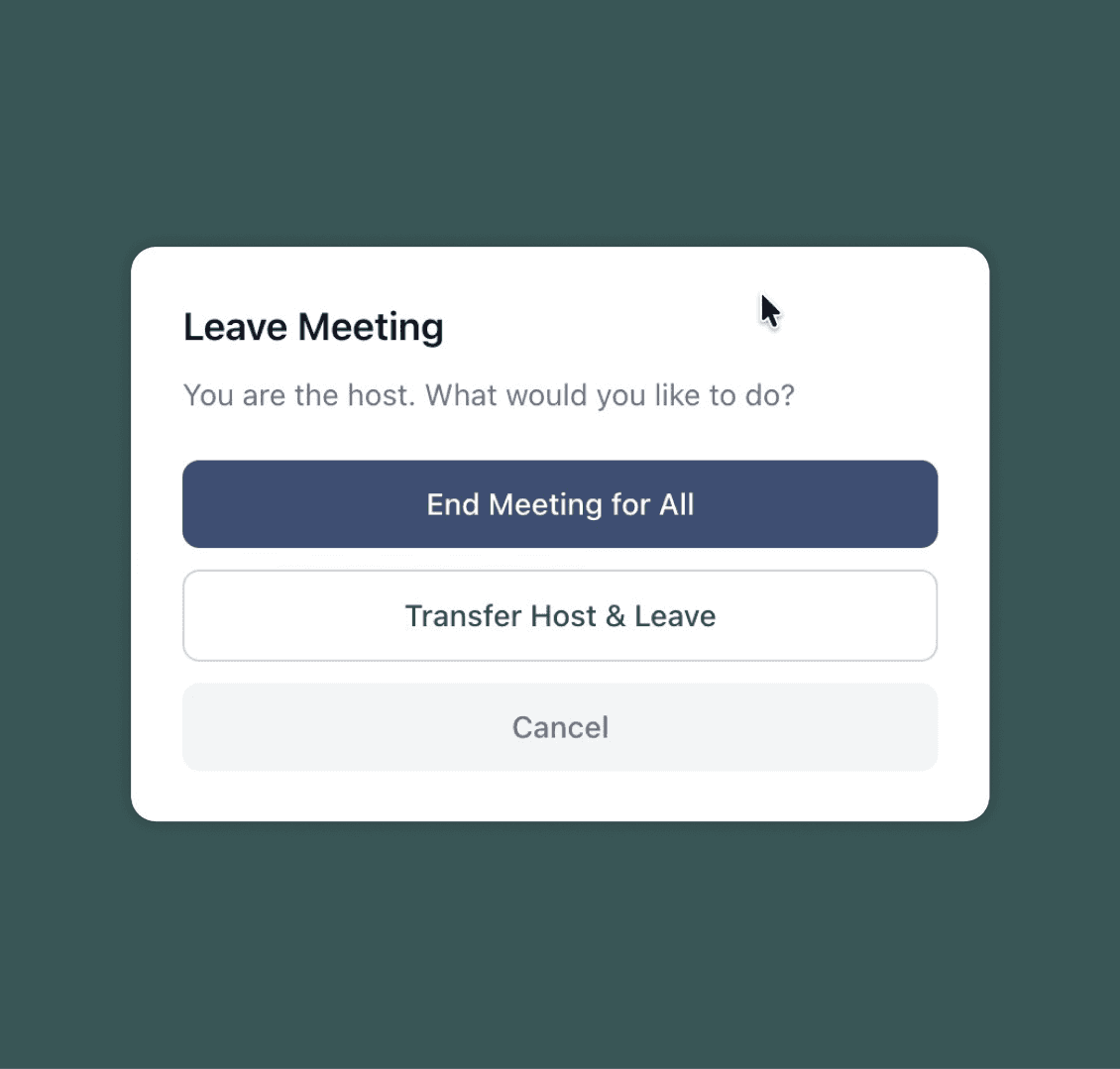
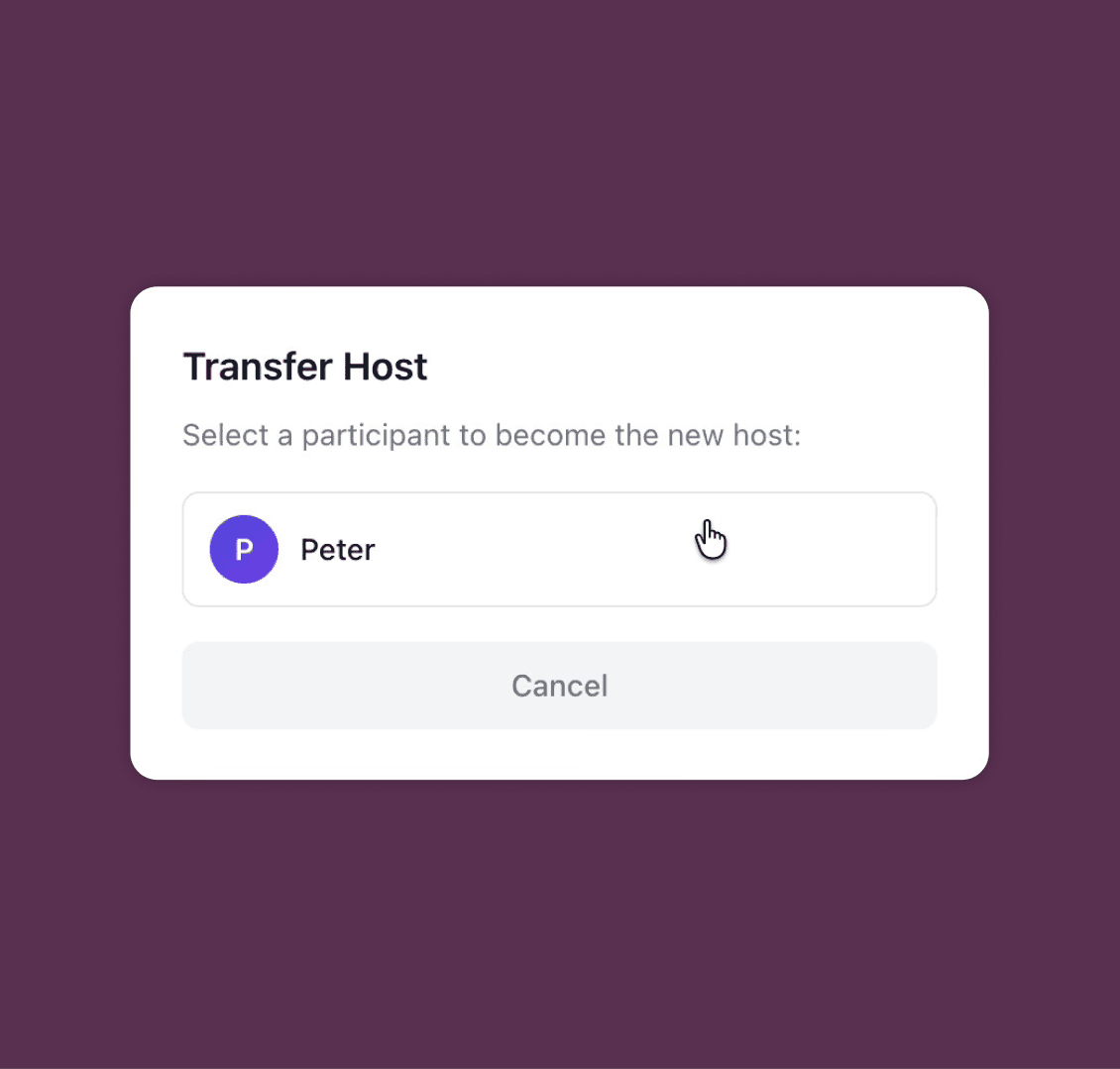
When the host clicks End, they get asked what they actually meant. End it for everyone, or hand the room to someone still in it and leave.
What the host seesfrom their end
A simple demonstration of how a new meeting gets started, what the host sees and how a participant gets accepted into the meeting, plus a glimpse of the in-meeting chat.
What a participantsees from their end
What participants see when they try to join a meeting.
What’s happeningunder the hood
LiveKit does the hard part, the heavy lifting: streaming camera and microphone data nonstop. The Node backend does all the control, the lightweight occasional stuff, such as polling API calls.
How do audio and video get from one end to the other?
The Node server never receives a single video frame. The LiveKit media server uses the SFU (Selective Forwarding Unit) method for that. We install and run it on our own server. Customer video goes to a machine we control, not a third party.
What does the app server do?
The app server checks the session, who is allowed in the meeting, the waiting list, who the host is and the chat history. Most importantly, it issues the token that creates the link between LiveKit and the app server.
Where does the MySQL DB come into play?
So where does “Monday standup, created by Hashan, nine people invited, with chat history” live? In MySQL. A meeting as a durable thing only exists in the database.
How is the waiting room enforced?
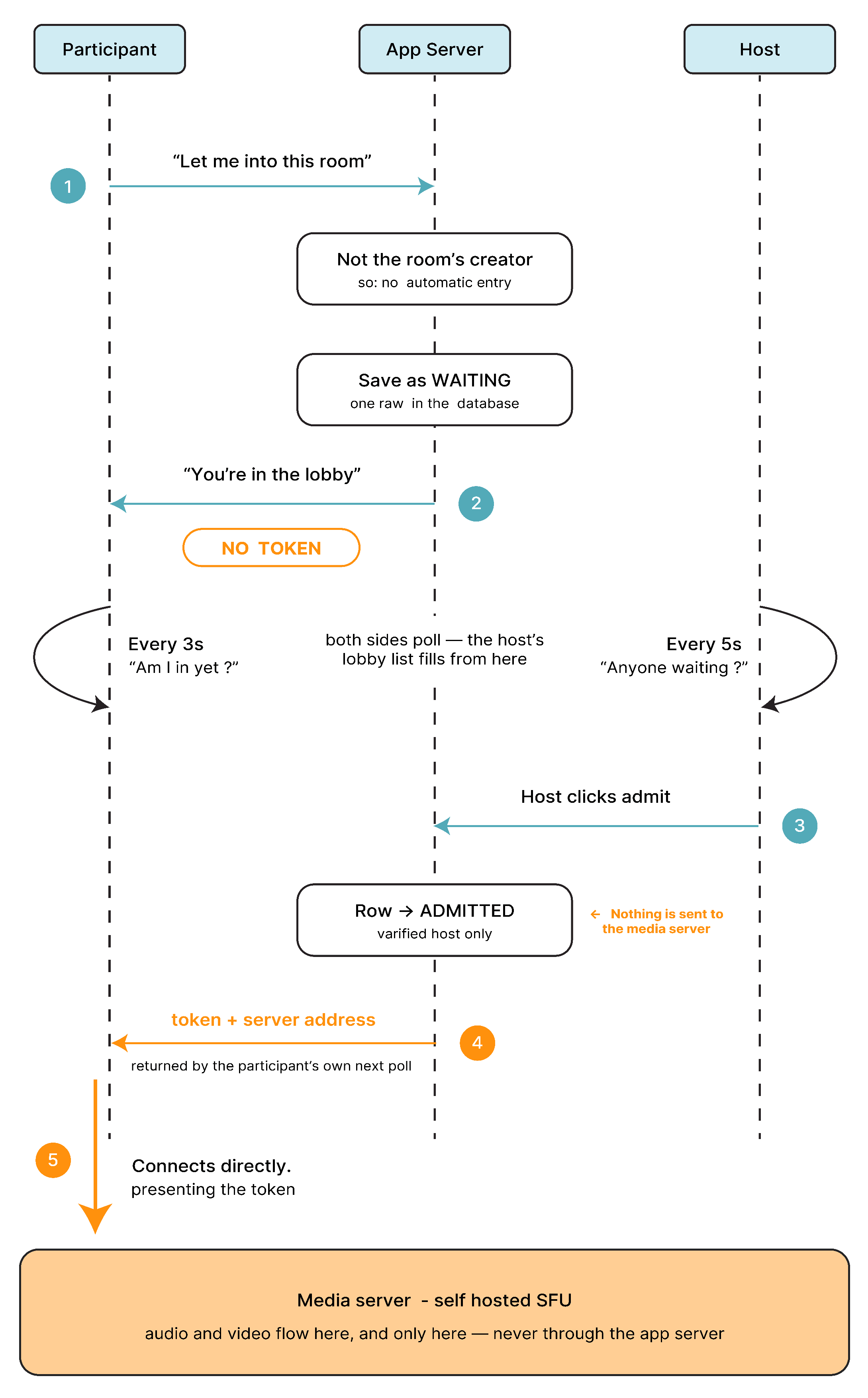
The waiting room is not a gate on the media server. The media server has no idea the waiting room exists. Admitting a participant is just a database state change. The participant has a polling API call that checks the status of one MySQL row. Once it flips to ADMITTED, that polling API call mints the token. We enforce the waiting room by withholding the credential, not by blocking anyone at a door.
How a participantis admitted
A waiting participant holds no credential. Admission is a database state change — the media server is never told anyone is waiting.